
Nearly every team loses momentum when documents are scattered or poorly labeled.
A deliberate archive strategy reduces wasted time and improves the quality of decisions.
Practical systems combine consistent naming, sensible folder structures, and focused metadata.
This article maps actionable steps to make digital archives faster, more reliable, and easier to use for everyone.
Establish a Clear Filing Framework
Begin by defining a simple, consistent taxonomy that matches how people actually work across projects and functions.
Limit top-level folders to a small, intuitive set and create predictable subfolders for assets, deliverables, and references.
Standardize file names to include dates, version markers, owners, and a concise description so items are identifiable at a glance.
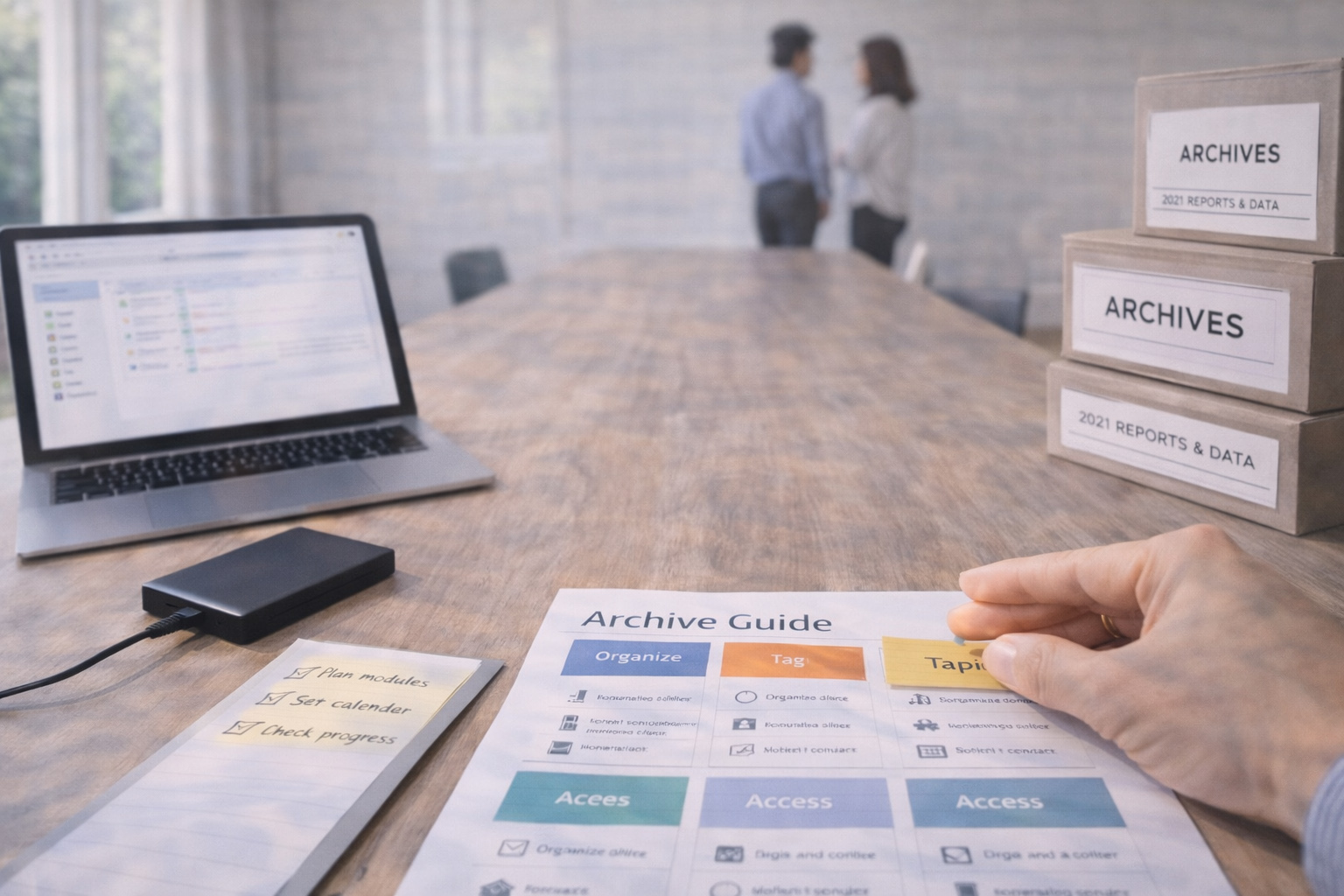
Provide examples and a one-page reference to reduce interpretation gaps and make onboarding faster for new team members.
When the structure reflects daily workflows, both search and manual navigation become more efficient.
Document the rules centrally and update them as needs evolve.
Encourage feedback so the taxonomy stays practical rather than theoretical.
Optimize Access, Permissions, and Search
Balance open access with role-based permissions so contributors can find and edit relevant files without unnecessary barriers.
Index file contents and core metadata fields to enable powerful full-text and filtered searches across the archive.
Adopt consistent tags or keywords to capture context that folder structures may miss, such as client names or file status.
Integrate search tools with your collaboration platforms so results appear where people are already working.
A well-tuned search reduces repetitive requests and speeds up decision cycles across teams.
Regularly review who has access and remove outdated permissions to lower risk.
Pair access reviews with search audits to surface gaps or confusing results.
Automate Routine Maintenance and Versioning
Automation removes manual friction and enforces policies consistently, from version control to lifecycle rules.
Use automated workflows to archive inactive projects after a defined period and to route final deliverables to a long-term store.
Enable deduplication and checksum checks to identify redundant copies and reclaim storage space without guesswork.
Leverage integrations that attach contextual links back to project tickets or meeting notes so files live near their conversations.
Automation frees teams to focus on content and outcomes rather than housekeeping chores.
Schedule automated reports that flag stale folders and orphaned documents for review.
Combine those reports with periodic human audits to catch exceptions and ensure accuracy.
Governance, Retention, and Onboarding
Define clear retention policies so teams know what to keep, archive, or delete and why those decisions matter for compliance and efficiency.
Create onboarding checklists that teach filing conventions, search tips, and the location of the archive guide to new hires.
Assign a lightweight governance role to maintain standards, field questions, and coordinate periodic cleanups across teams.
Communicate policy changes clearly and provide short, practical examples to illustrate desired behaviors.
A small amount of governance prevents drift and keeps the archive useful as the organization grows.
Make governance visible and approachable so contributors follow guidelines voluntarily.
Treat the archive as an evolving system rather than a one-time project.
Conclusion
Treat your archive as a living system that adapts with team workflows.
Invest in clear rules, better search, and lightweight automation to save collective time.
A deliberate archive strategy accelerates collaboration, reduces errors, and scales with organizational needs.

