
File Intellect
  • Home
  • Finance
  • Technology
  • Fitness
  • Cooking
No Result
View All Result
  • Home
  • Finance
  • Technology
  • Fitness
  • Cooking
No Result
View All Result
File Intellect
No Result
View All Result
Home Technology

Structuring Digital Repositories Around How Teams Work

by admin
October 24, 2026
in Technology
0
Structuring Digital Repositories Around How Teams Work

Teams waste time when storage decisions ignore how people actually do their work. A repository that reflects tasks, roles, and decision flows reduces friction and accelerates collaboration. Designing with workflow patterns in mind helps systems remain useful as projects evolve. This approach emphasizes pragmatic metadata, predictable locations, and lightweight governance.

Map Workflows to Storage Patterns

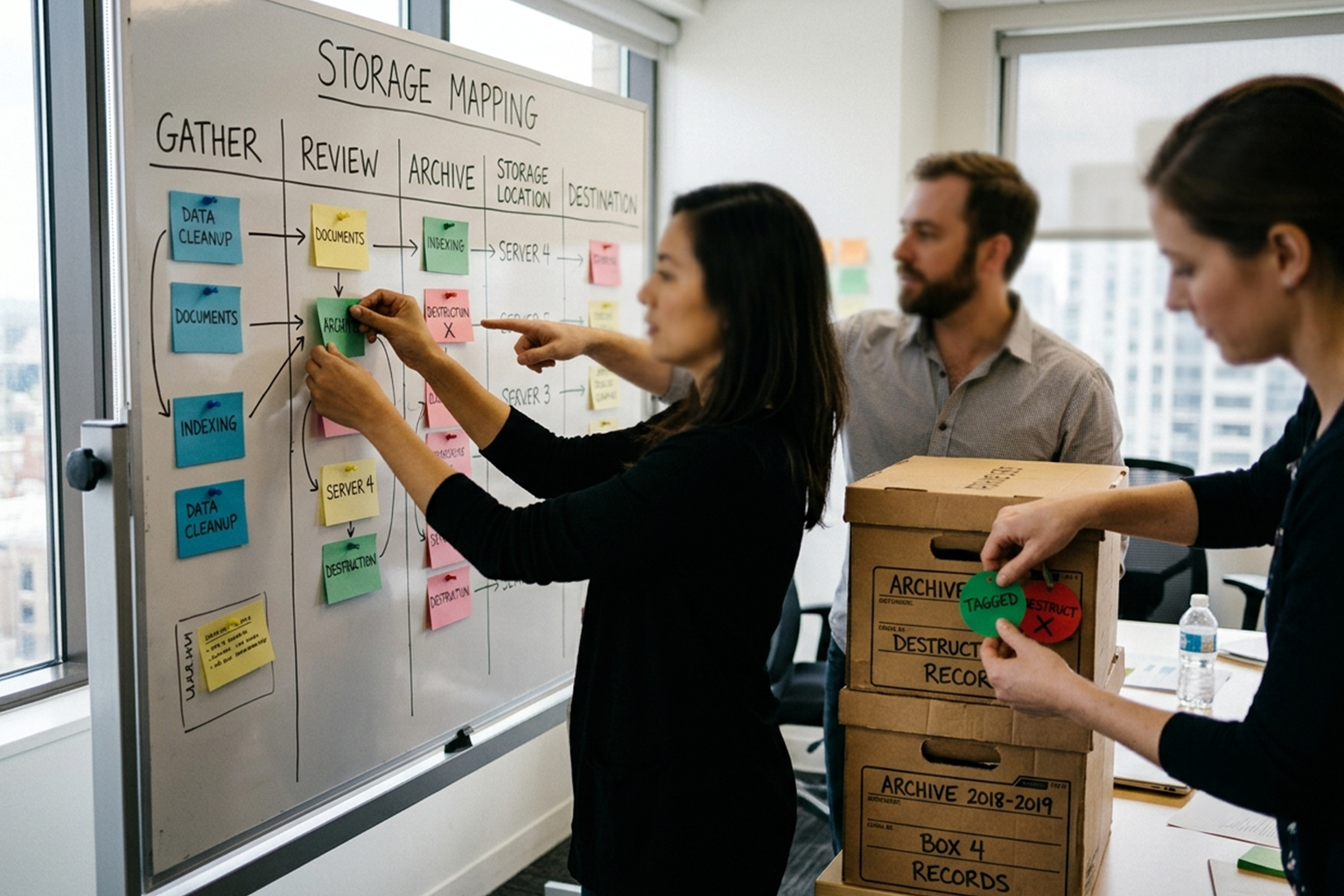
Start by observing the common activities that drive file creation and consumption, such as drafting, reviewing, and archiving. Map those activities to storage patterns: dedicated draft spaces, shared review folders, and immutable archives for final records. This mapping clarifies where files should live, who needs access, and what lifecycle rules apply. Treat these patterns as living templates that can be adjusted as team rhythms change.

Implementing templates reduces ad hoc nesting and ensures files show up where collaborators expect them. Over time, these patterns make onboarding faster because new members encounter familiar structures tied to real tasks. Keep patterns simple and document why each exists so teams can adapt rather than rebuild.

Choose Metadata That Reflects Tasks

Metadata is most valuable when it answers the questions people ask while working: what is this for, who owns it, and what status is it in. Favor a small set of high-signal fields—project, owner, status, and phase—over long taxonomies no one uses. Use controlled vocabularies where decisions must be consistent, and allow freeform tags for emergent needs. Integrations with search and filters make these fields actionable during everyday work.

Make metadata easy to apply by using defaults, templates, and lightweight validation at creation time. Training and examples reduce errors and increase adoption. When metadata aligns with task language, discovery becomes an intuitive part of the workflow instead of an extra chore.

Design Indexes for Fast Discovery

Indexes bridge storage and search by precomputing relationships that matter to teams, such as task-to-document or sprint-to-assets. Rather than expecting users to craft complex queries, expose intent-based views: my reviews, active deliverables, and archived releases. Prioritize performance for common queries and provide faceted filters for exploration. Regularly prune or reindex stale items to keep results relevant and fast.

Consider incremental indexing strategies to avoid long maintenance windows and to keep the system responsive. Monitor query patterns to refine which links and attributes the index should emphasize. Small, targeted indexes often outperform a single monolithic catalog for team use.

Conclusion

Build repositories that mirror team activities to make storage intuitive and useful. Small, task-focused metadata sets and workflow-aligned patterns increase adoption and reduce search time. Consistent indexing and simple governance keep the system responsive as teams grow.

admin

admin

  • Cooking
  • Finance
  • Fitness
  • Technology
  • Uncategorized

Subscribe Us

By clicking submit, I authorize File Intellect and its affiliated companies to: (1) use, sell, and share my information for marketing purposes, including cross-context behavioral advertising, as described in our Terms of Service and Privacy Policy, (2) supplement the information that I provide with additional information lawfully obtained from other sources, like demographic data from public sources, interests inferred from web page views, or other data relevant to what might interest me, like past purchase or location data, (3) contact me or enable others to contact me by email with offers for goods and services from any category at the email address provided, and (4) retain my information while I am engaging with marketing messages that I receive and for a reasonable amount of time thereafter. I understand I can opt out at any time through an email that I receive, or by clicking here

Popular Posts

  • Structuring Digital Repositories Around How Teams Work
  • Reduce Decision Fatigue with Simple Kitchen Systems
  • Practical Approaches to Build Daily Functional Fitness
  • Make Financial Records Work With Reporting Rhythms
  • Streamlined Context Layers for Predictable File Access
LOGO

Email

[email protected]

Contact Us:

13033 Ridgedale Drive (Box 231),
Minnetonka, Minnesota, 55305

Subscribe Us

By clicking submit, I authorize File Intellect and its affiliated companies to: (1) use, sell, and share my information for marketing purposes, including cross-context behavioral advertising, as described in our Terms of Service and Privacy Policy, (2) supplement the information that I provide with additional information lawfully obtained from other sources, like demographic data from public sources, interests inferred from web page views, or other data relevant to what might interest me, like past purchase or location data, (3) contact me or enable others to contact me by email with offers for goods and services from any category at the email address provided, and (4) retain my information while I am engaging with marketing messages that I receive and for a reasonable amount of time thereafter. I understand I can opt out at any time through an email that I receive, or by clicking here
  • Contact Us
  • Privacy Policy
  • Terms Of Service
  • Unsubscribe
  • Privacy Choices

© 2026 File Intellect | All rights reserved.

No Result
View All Result
  • Home
  • Finance
  • Technology
  • Fitness
  • Cooking

© 2026 File Intellect | All rights reserved.

Skip to content
Open toolbar Accessibility Tools

Accessibility Tools

  • Increase TextIncrease Text
  • Decrease TextDecrease Text
  • GrayscaleGrayscale
  • High ContrastHigh Contrast
  • Negative ContrastNegative Contrast
  • Light BackgroundLight Background
  • Links UnderlineLinks Underline
  • Readable FontReadable Font
  • Reset Reset